Updating Your Payment Method
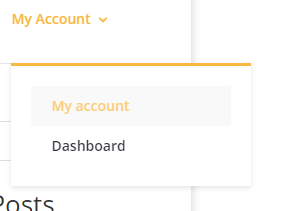
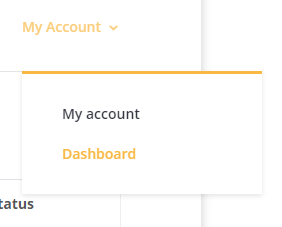
Navigate to “My Account” in the top menu bar.
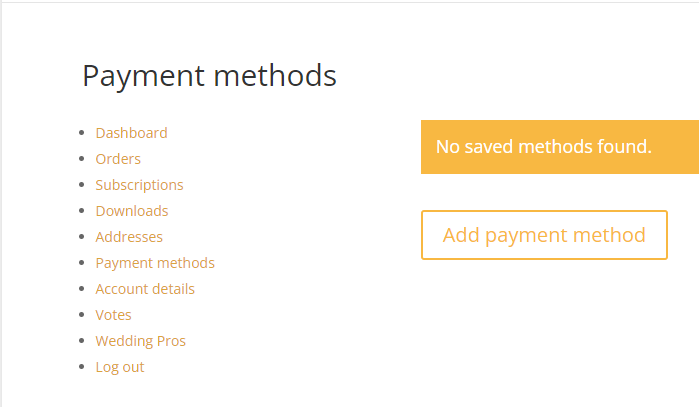
Select “Payment methods” in the left hand navigation.
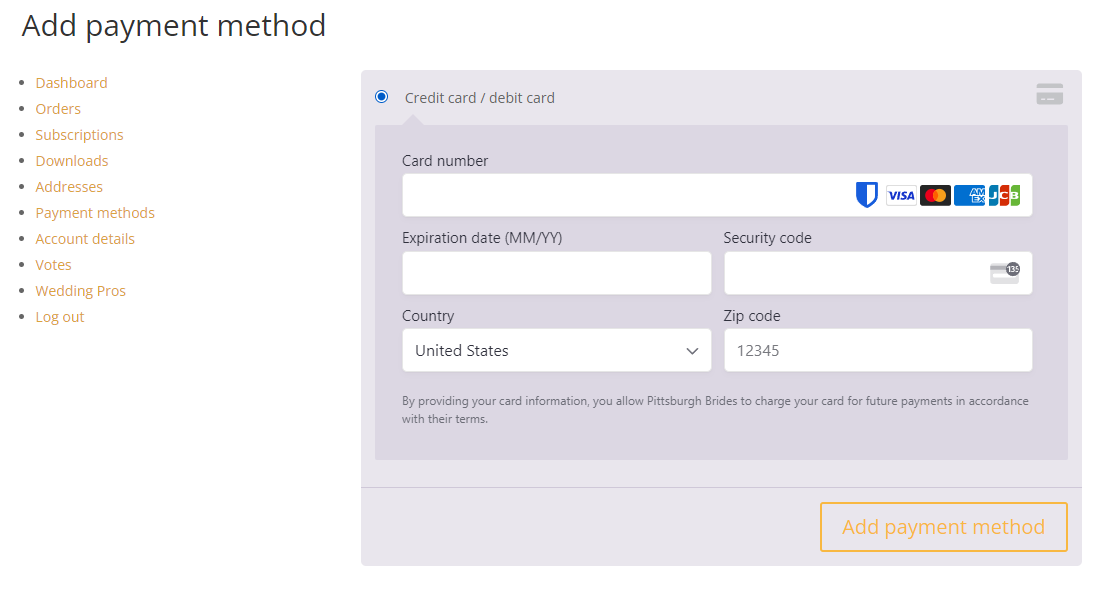
If you have no payment method saved, you will be able to add a payment method here. You can also update your payment method here.
Modifying your Subscription

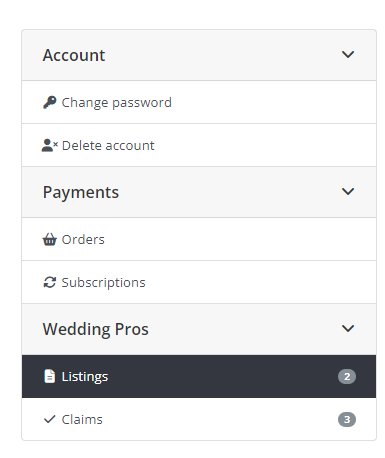
You can view and modify your subscription by navigating to Subscriptions in the left hand menu.
Modifying your Listing